Legal-specific sections
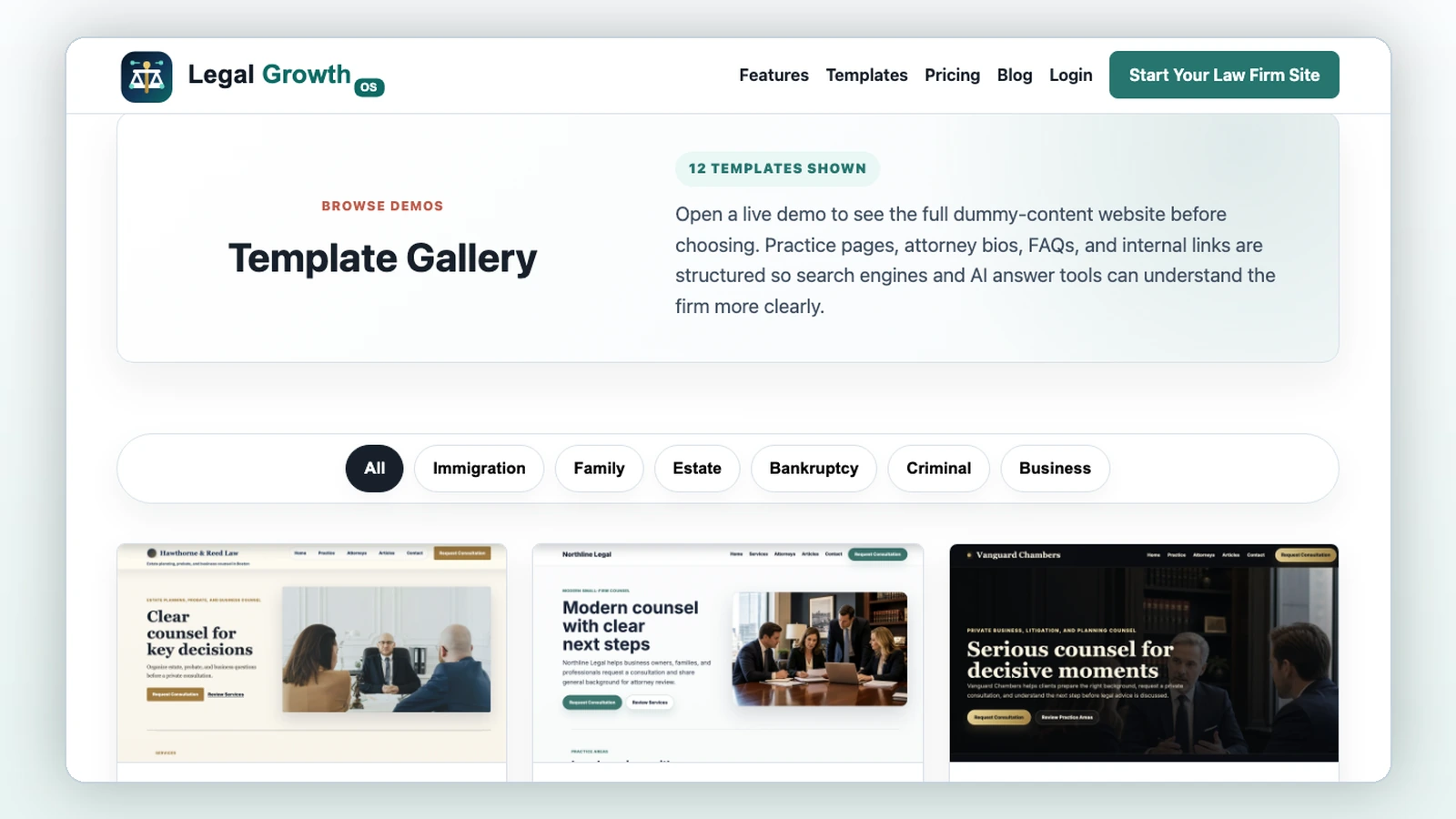
Each template includes practice pages, attorney areas, consultation CTAs, legal footer language, and mobile navigation.
Template category
Practical pages for debt-relief consultations without eligibility or outcome promises.
At a glance
Templates are only the visual starting point. The platform controls firm profile, services, attorneys, pages, banners, media, booking, intake, CRM, and SEO fields.
Each template includes practice pages, attorney areas, consultation CTAs, legal footer language, and mobile navigation.
The firm can change templates while shared website records stay in the platform.
Template previews use fictional content for design demonstration and are excluded from the sitemap.
Template previews
Preview pages use fictional demo content for design demonstration. They are noindex and excluded from the sitemap.

General
Best for: Solo attorneys and modern small firms
Minimal layouts, crisp typography, and spacious content blocks for firms that want a clean digital presence.

Bankruptcy
Best for: Bankruptcy
Reassuring, practical page rhythm for debt-relief consultations without outcome guarantees.

General
Best for: Small town and general practice
Approachable local-first layout for firms that want simple, clear lead capture.
Questions
Yes. Shared content stays in the platform while the selected template changes.
No. Template previews use fictional content for demonstration only.
Legal Growth OS assistant