AI intake for consultation capture
AI Intake Assistant that helps visitors request consultations
Guide visitors through firm-approved questions, collect contact details and matter context, and route consultation requests into the lead CRM for faster follow-up.
Counsel launch support
Start with a working foundation, not an empty dashboard
Counsel includes launch setup and site migration. We help move approved core pages and assets, configure booking and basic intake, connect lead follow-up, and prepare the site for your firm’s review before launch.
Talk through your firm’s setupWhat the firm gets
More consultation opportunities, less tool sprawl
Legal Growth OS is the growth layer for firms that want their website, intake, booking, lead follow-up, Legal AI, and SEO/AEO guidance connected instead of scattered across separate tools.
Professional launch without starting from zero
Use legal-specific templates, firm profile, practice areas, attorney bios, blog content, landing pages, media, CTAs, included setup, and site migration support.
Consultations move into one lead flow
Appointment requests, intake answers, source data, notes, tasks, and follow-up history stay connected so the firm can respond faster and avoid lost opportunities.
Legal AI for drafts, documents, and preparation
Legal AI helps with summaries, outlines, intake context, document review, content drafts, and SEO/AEO preparation while final decisions stay with the firm.
Monthly guidance on what to improve next
Partner reviews turn page structure, competitor pages, Search Console/PageSpeed data, and conversion signals into prioritized growth recommendations.
What it does
AI can help visitors request consultations
The assistant can explain firm process, collect general information, ask approved intake questions, and help request a consultation. It does not replace attorney judgment.
Required opening disclaimer
I can collect information for the law firm and help you request a consultation. I cannot provide legal advice, and using this assistant does not create an attorney-client relationship.
Firm information answers
The assistant can explain practice areas, office information, consultation process, and what the visitor can expect next.
Lead collection
It can collect name, email, phone, practice area, source page, consent timestamp, transcript, and intake answers where legally acceptable.
Booking path
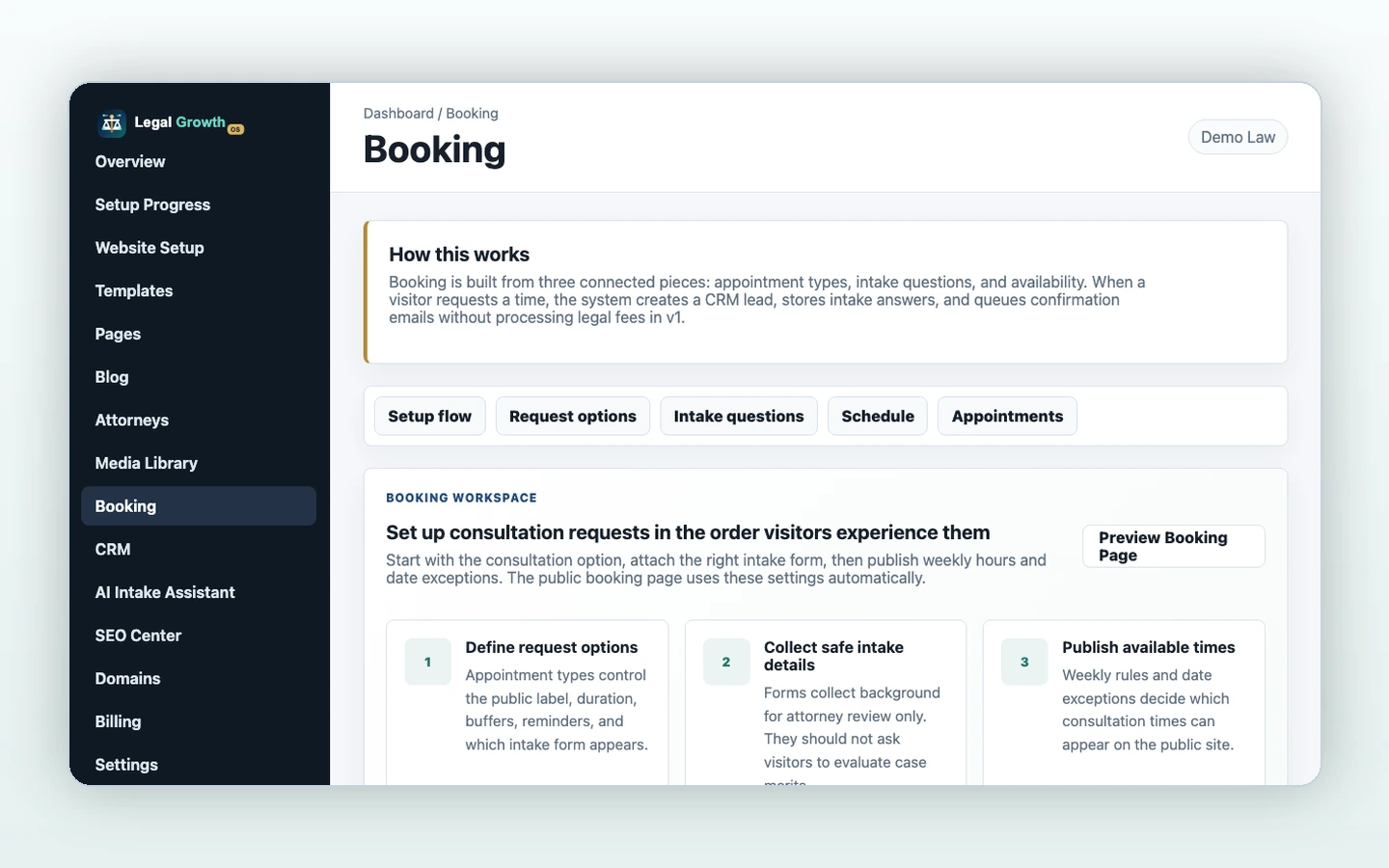
When appointment types and availability exist, the assistant can offer consultation times and create appointment requests.
Safe handoff
The CRM stores transcript and AI summary so the firm can review before responding with legal advice.
Workflow
From visitor question to booked consultation request
Disclose
The assistant starts with the no-legal-advice and no-attorney-client-relationship disclaimer.
Collect
It gathers contact details and firm-approved intake context without evaluating merits.
Route
It creates a lead, offers booking where available, and sends the firm the transcript and summary.
Legal safety
Built around attorney control
AI content remains in a draft and attorney-review workflow. The intake assistant collects information and can help with booking, but it cannot give legal advice or evaluate case merits.
Draft -> Attorney Review -> Approved -> Published
Practical recommendations, attorney-controlled publishing
Designed with bar advertising rules in mind: no invented awards, results, or imagery
Your firm's data stays isolated
Related features